
DTF Color Matching: Approve Shirt Logo Colors with Confidence
Understand screen-to-print color differences, choose a useful reference and record a clear color approval for DTF logo shirts in Thailand.
For DTF shirt printing, use an agreed reference and the actual garment to discuss color. A phone screenshot is useful for explaining a concern, but it is not a reliable physical color standard. Start by deciding which brand colors matter, what the reference represents and who will approve the result. That gives your printer a clear target before the team order moves into production.
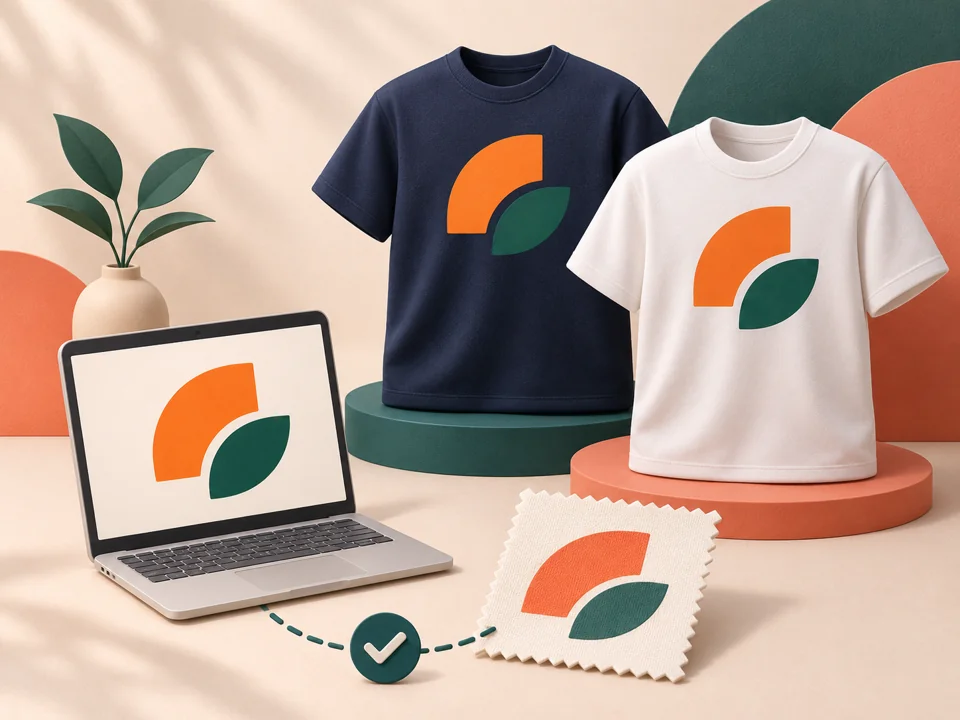
Why a logo changes between screen and shirt
A screen produces an image with light; a shirt is a physical surface viewed under surrounding light. Even two phones can show the same artwork differently. Adobe’s color-management guidance explains why a useful onscreen print preview depends on the display and the intended output profile. This is the reason to discuss a reference before arguing about which phone looks correct. It is not a reason to accept an unexplained change to your logo.
For a buyer, the useful question is which part of the design needs to remain recognisable. A navy wordmark might be the critical brand element, while a decorative gradient has more flexibility. List those priorities in ordinary language. Also distinguish a difference you saw on a display from a difference you saw on an actual printed garment. Those are separate observations, and they need different checks.
Adobe: color-managed print previews
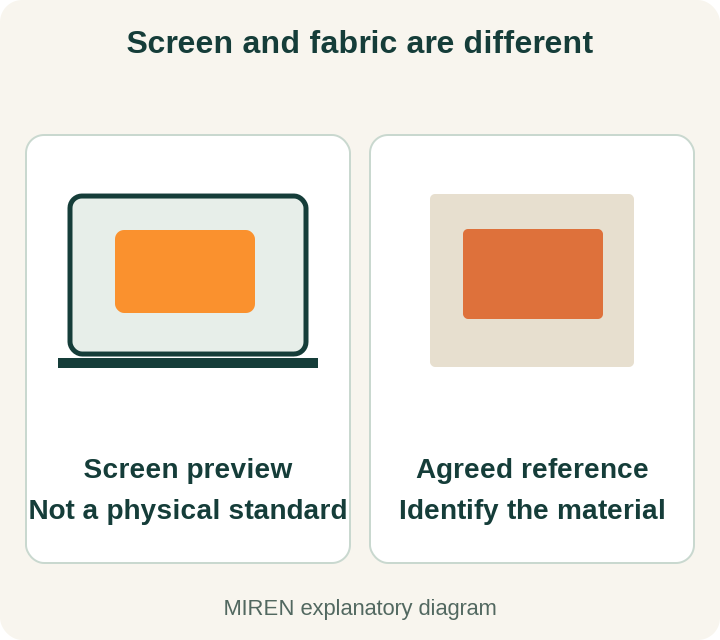
Choose one reference everyone can identify
Use the original brand artwork and an existing brand color specification if you have one. When a physical reference is important, describe it precisely: for example, a retained approved shirt rather than a photograph of that shirt. Record whether the reference is fabric, paper or another material, because a reference helps define the discussion without making different materials identical.
Avoid sending several slightly different versions and calling all of them the master. Give the reference a simple name and date, and tell the printer which file takes priority. If different departments have different expectations, settle that internally before approval. The purchasing contact should be able to say, “This is the reference approved by our brand owner,” rather than asking the printer to reconcile five opinions from a group chat. Ask what comparison or sample options can actually be arranged for your order.
If the reference belongs to another department, arrange who can answer questions about it. A purchasing contact may receive a brand file without knowing whether it is current. Confirm that point before asking the printer to interpret a difference. Keep one written priority when several references disagree: for example, the current brand artwork defines the logo, while the retained garment is a discussion reference for appearance. That small clarification prevents an old promotional item from silently overruling an updated brand decision.
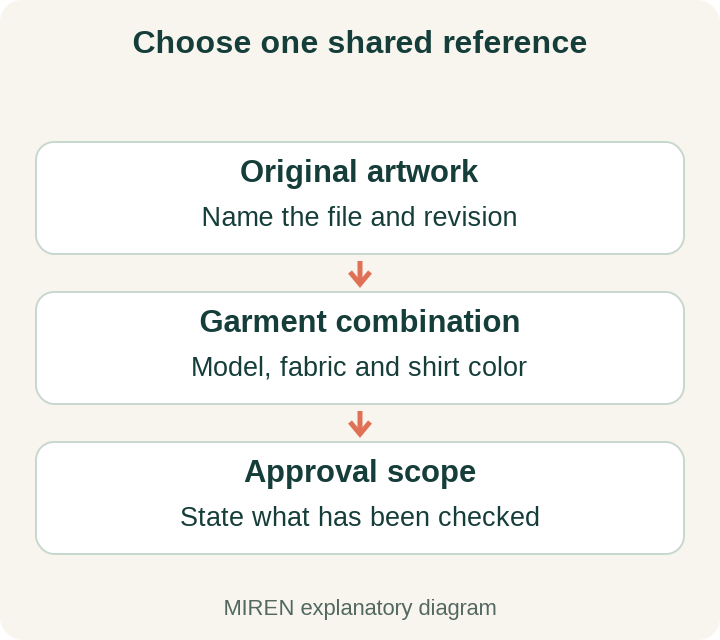
Send the original artwork, not a corrected screenshot
Keep a clean master file. If you change the brightness of a screenshot until it looks right on your phone, you have changed the artwork without establishing how it should print. Send the original file, a reference preview and any existing brand specification as separate items. Clearly label which one is production artwork and which one only explains appearance.
Ask the printer which file format and color setup suit the actual workflow before converting or flattening the file. A generic instruction to convert everything to CMYK is not a substitute for that conversation. For example, STAHLS’ describes a conversion workflow for its own UltraColor MAX product; that is a product-specific example, not evidence that MIREN uses the same system. Keep embedded profiles where appropriate and explain any recent file changes. Our artwork-file guide covers the broader file handoff.
Compare on the garment that will be ordered
Treat the shirt model, fabric and color as part of the approval record. A color discussion about a white cotton shirt should not silently become approval for a navy polyester Polo. Ask the printer to identify the proposed garment, and record any substitute before it is accepted. MIREN has experience with cotton and polyester and with black, white and blue garments; suitability still depends on the actual item and print position.
If your order includes more than one garment color, show the design against every proposed background. Check whether small letters disappear, whether a border is needed and whether a light or dark artwork version is intentional. These are readability decisions as well as color decisions. Keep the alternatives labelled so the team cannot accidentally approve the white-shirt preview and receive a different logo version on the navy shirts.
Separate layout approval from physical color approval
A digital mockup can establish which logo goes where, which spelling is correct and which artwork version is being discussed. It cannot by itself demonstrate the exact appearance of the finished fabric under every light. Transfer Express describes electronic artwork proofs as a way to review the final artwork before printing. Use that distinction to ask useful questions instead of assuming that every preview is a physical production sample.
Write down what is being approved. If the image is a layout reference only, say so. If a physical comparison has been arranged, identify the garment and reference used. Ask about availability, cost and scheduling before relying on a sample; confirm the arrangement for the actual order before including it in the plan. For ordinary staff shirts, a clear decision record is often more useful than an unlabelled “looks good” response.
| Reference | Useful for | Record separately |
|---|---|---|
| Original artwork | Logo version and content | Intended garment and output |
| Digital mockup | Layout and spelling | Physical appearance expectations |
| Agreed physical reference | Appearance comparison | Material and viewing context |
Keep a short, specific approval record
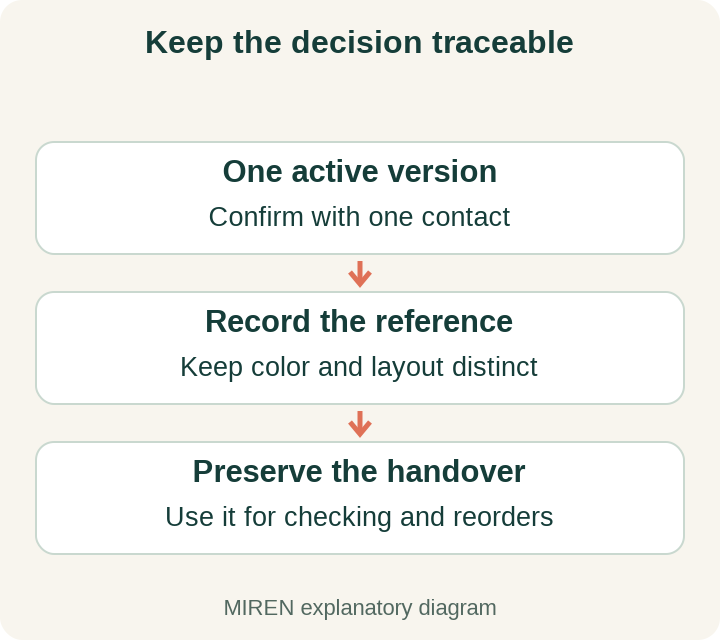
Bring the decision into one final message. Include the artwork filename or version, shirt model and color, front and back print positions, the reference being used and the name of the approving contact. Ask the printer to confirm the same version. A later change should get a new version identifier, even if it seems minor, so that an old screenshot cannot be mistaken for the current instruction.
Settle conflicting comments before sending approval. One person might be reviewing the logo color while another is reviewing spelling, and a third may only be checking the shirt quantity. State which items have been checked and whether anything remains open. Keep the approved message with the order information for future reorders. It becomes a useful comparison record without pretending that a repeat batch is automatically identical under every possible condition.
What to send when the finished print looks different
Describe the difference with a comparison that someone else can reproduce. State the garment, the affected area and whether the concern is hue, lightness, legibility or a changed artwork version. Supply the approved file and a clear photograph taken in reasonably even light. If the issue is visible only beside a particular physical reference, identify that reference rather than relying on a heavily edited picture.
Do not immediately assume every color concern is a file problem. A light print that develops an unwanted tint on polyester calls for a different investigation from an orange that looked brighter on a phone. The separate polyester dye-migration guide explains that distinction. Keep the garment available for assessment, and ask the printer what evidence is needed before attempting a home repair or altering the print yourself.
Prepare a useful MIREN color brief
For a company order, send the original logo, the proposed shirt colors, size quantities and the reference you want to discuss. Add the intended use, such as daily reception wear or an outdoor event, because visibility requirements differ. Name one contact who can gather internal feedback and make the final artwork decision. This gives MIREN enough information to assess the request and prepare an individual quotation.
MIREN PRINT provides in-house DTF shirt printing in Nonthaburi, Thailand, with a minimum order of 15 pieces. Prices are quoted individually. Confirm any color-critical comparison arrangements before final approval, and give both your required receipt date and delivery destination. The agreed order schedule begins after artwork approval and deposit payment; a color question that is still unresolved should remain visible in the brief rather than being lost in a chat history.
Before you contact a printer
- Original logo and clearly named production file
- One identified brand or physical reference
- Garment model, fabric and each shirt color
- Print positions and size allocation
- One approving contact and any open color questions
Frequently asked questions
Does an RGB or Pantone value guarantee an exact DTF match?
A value identifies a target or reference; it does not by itself establish an exact result on a particular garment. Ask how the actual printing workflow will handle it and what comparison can be arranged.
Can I approve the color using a phone photo?
A photo can explain a concern, but its appearance depends on capture, lighting and display. Identify the physical reference or approved artwork behind the photo, and state what your approval covers.
Should every shirt color use the same logo file?
Decide this deliberately. Some backgrounds need a light or dark artwork version for readability. Confirm each version and its assigned garment colors before approving the order.